
Skip to content
RETAIL ANALYTICS

Retail analytics with actionable insights

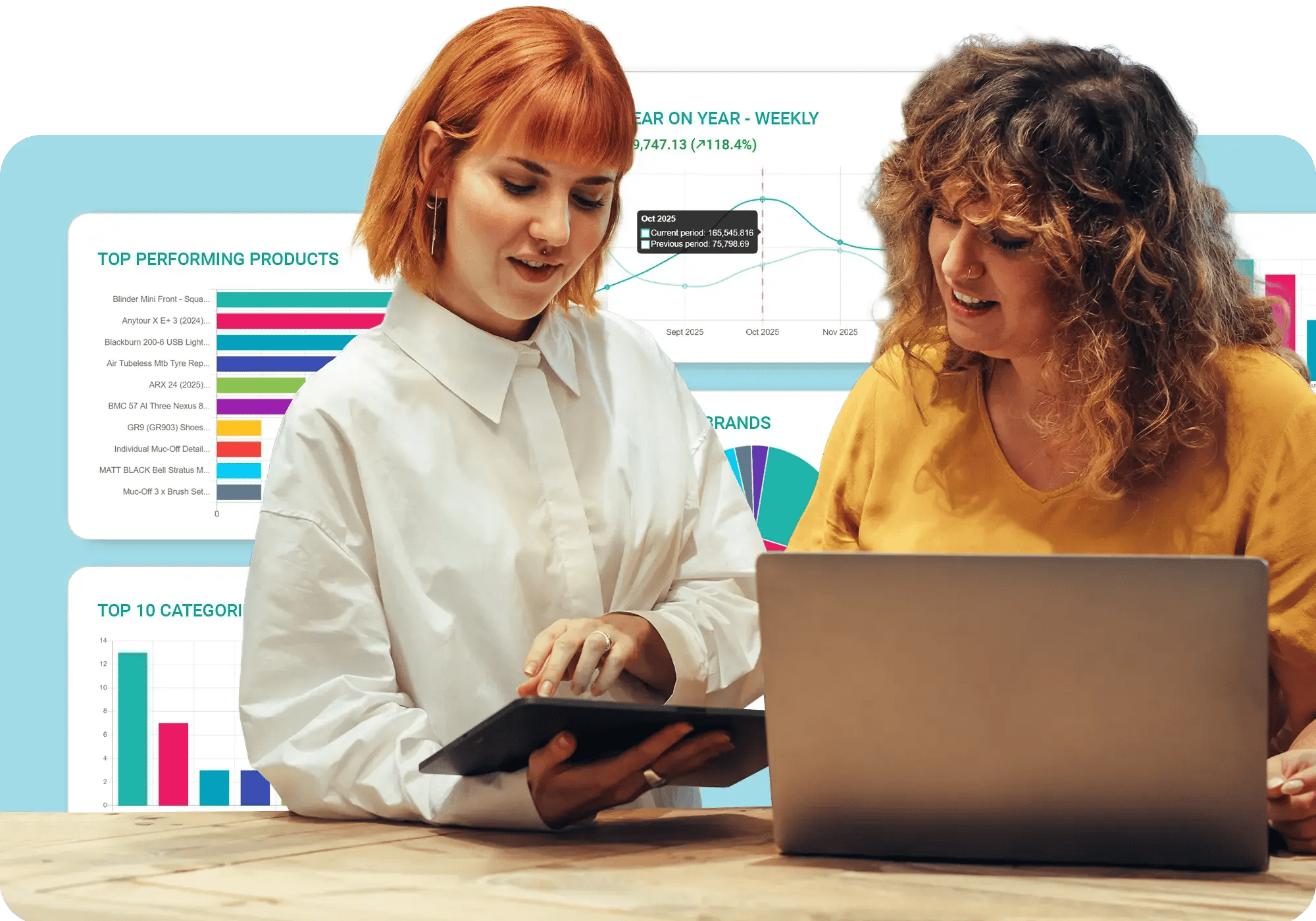
Better visualise and analyse your entire retail business - so you can make smarter decisions, cut costs and maximise profits.
retail-analytics-platform

Take your retail business to the next level

Seamless interface

Experience a seamless interface to create and analyse reports effortlessly to make data-driven decisions.

Multi-channel data

Leverage omni-channel retail data, which can be used to create reports with KPIs and actionable insights.

Dashboards

Easily configure powerful, interactive and user-based dashboards with drilldown capabilities and real-time data.
accounting-pos-integration

Smarter buying decisions

Compare multi-store, POS and eCommerce performance to identify areas you excel the most! Effortlessly track sales, inventory, daily summaries, and product and staff performance with user friendly, chart based POS analytics tools.

  • Use forecasting reports to discover when products are likely to run out of stock
  • Identify your best performing staff and help those who aren't performing as well
  • Identify peak hours and days so you can efficiently manage staffing hours

Optimise your inventory

What's hot and what's not? Spot trends and identify your best and worst sellers by product, brand, supplier, season and more with Saledock's point of sale reporting tools! Report on inventory down to each size and variant so you can optimise stock and more space for your best sellers.
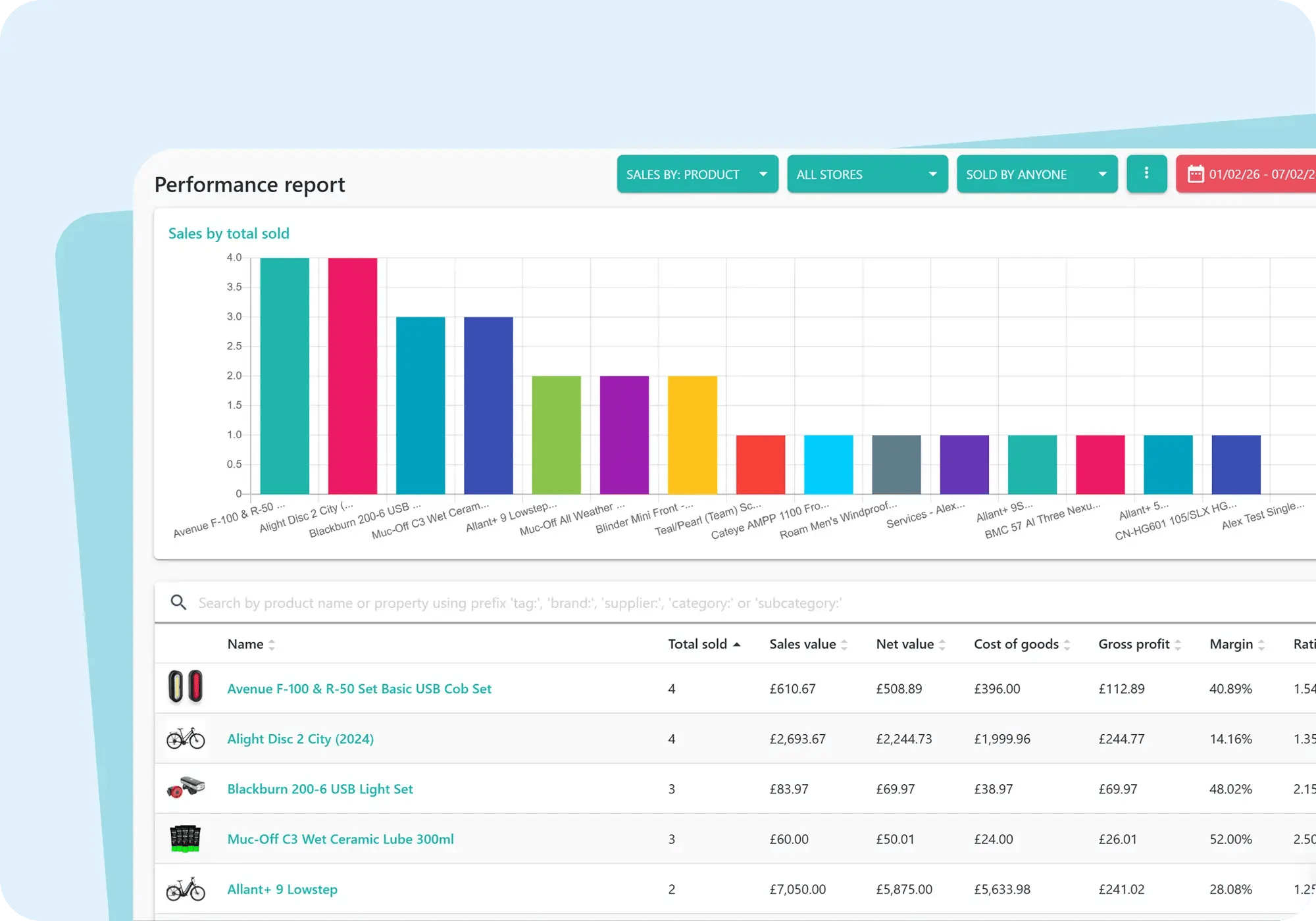
  • Secure cloud-based reports – Access real-time reports, anywhere, anytime
  • Never run out of stock – Quick re-orders are simple with low stock alerts
  • Instantly check multi-store stock and performance so you can plan ahead
retail-analytics-performance-report
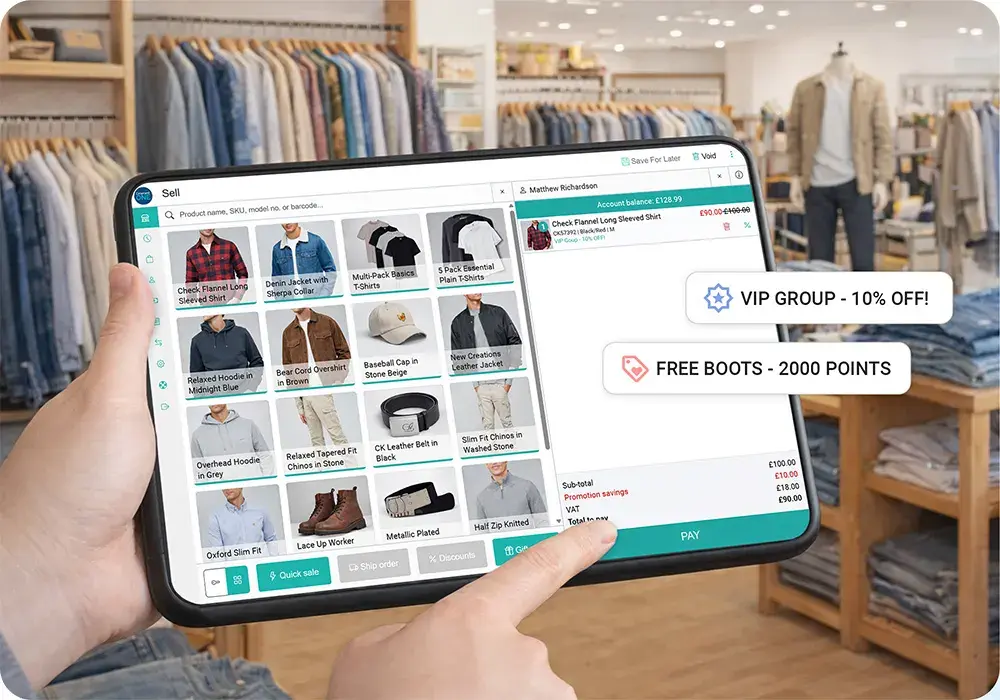
clothing-footwear-store-point-of-sale

Understand your customers better

How well do you know your customers? Explore customer analytics and discover orders, buying habits, how often they shop and how much they spend. Keep customers coming back time and again by offering tailored shopping experiences and personalised rewards with Saledock's loyalty programme.

  • Track your customer's in-store and online purchases
  • Discover dusty inventory and products customers love the most
  • Personalise the customer experience by leveraging customer data

Explore retail analytics features

Unlock powerful retail reporting features with our all-in-one retail software.

Interactive reports

User friendly, interactive graph-based reports with drilldown capabilities and real-time data.

Multi-channel metrics

Measure sales across all or a specific retail channels - Online, in-store, events or marketplace sales.

Daily finances

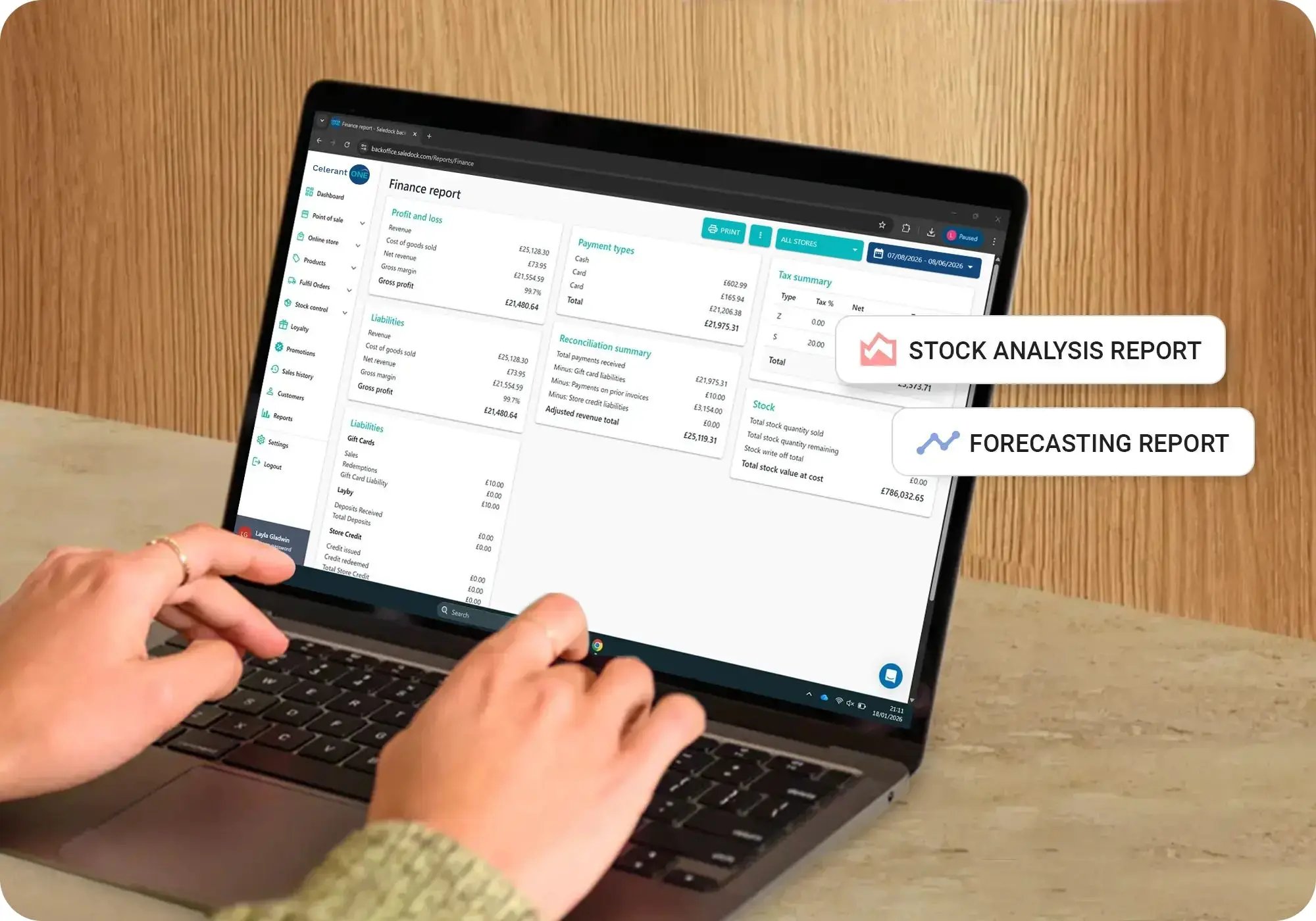
Monitor daily end of day closure reports, finance reports, liabilities and cash movements.

Know your customers

Identify top customers and repeat spend patterns to offer tailored rewards.

Simplified reconciliation

Export data for accountants or sync directly to Xero or Quickbooks.

Forecast demand

Predict when items are likely to run out of stock so you don't miss out on sales.

Understand online behaviour

User search reports, abandoned baskets, wishlists and GA analytics.

Product performance

Performance and stock analysis reports help spot seasonal trends and dusty inventory.

Never run out of stock

Set re-order points to drive your low stock report so you can order stock before you sell out.

Start measuring revenue with Saledock

Make guesswork a thing of the past - unlock smarter buying, better stock control and personalised customer insights now.

We're here to help you succeed!

Hardware

Touch screens, printers and scanners. We've got that covered too.

Smooth migration

No need to start from scratch. We'll migrate your existing data.

Onboarding

Get started quickly with one-on-one training and online resources.

Reliable support

Dedicated support team on hand to help by phone, email and live chat.

FAQs About Retail Analytics

What is a POS report?

A Point of Sale (POS) report is data collected from your Point of Sale system. Each time you make a sale, data about the transaction, payment method, products sold, staff ID and customer information is collected and available to view in the form of reports, whether it be sales reports, staff performance reports or customer profiles.

Generally, reports can be filtered by store and specific date range so you can access the data you need from a set period of time.

What types of inventory and sales reports are used in retail?
Reporting and analytics are essential to any retailer and enable you to make informed business decisions around stock ordering, staffing, flash sales and product pricing.

Types of inventory and sales reports:
  • Inventory on hand report: Current stock you have to hand.
  • Low stock report: Stock that has reached its re-order point and flagged as low stock
  • Performance reports: How well is a product vselling by product, brand, supplier, category, trends and more.
  • Forecasting reports: When and how much stock are you likely to need when placing your next supplier purchase order.
  • Year on Year reports: How well is your store performing in comparison to a previous month, quarter or year.
  • Stock analysis reports: How well is stock performing in one store in comparison to another.
  • Write-off report: How much stock has been written off due to damages.
Why should you run Point of Sale reports?
Reports driven from your Point of Sale (POS) system can provide invaluable insights into stock and store performance. POS reports help you streamline operations, automate manual reconciliation processes and help ensure you have the right stock levels at the right time so you avoid over and understocking products. POS reports help you make smarter business decisions when ordering stock, deciding what promotions to run, scheduling staff and where to focus your attention to aid your growth plans.

Read our blog, Eliminate the guesswork and make informed decisions to find out more.
What reports does Saledock offer?
Saledock offers the following reports:
  • Sales and performance reports
  • Forecasting report
  • Stock analysis report
  • Supplier stock value report
  • Year on year report
  • Gift card report
  • Store credit report
  • On-account report
  • Low stock report
  • Stock write-off report
  • Staff performance report
    End of day report
    Finance report
    Abandoned basket report