Multi-Store
Mobility
Point of Sale


Having a great ecommerce website is only part of the challenge. If potential customers can't find it when they're searching for the products you sell, you're missing valuable opportunities to generate traffic and sales.
That's where search engine optimisation (SEO) comes in.
SEO is the process of improving your website so search engines such as Google can better understand your pages, products and content – and show them to people making relevant searches.
Unlike paid advertising, where you typically pay for every click, organic search can continue generating traffic long after the initial work has been completed.
For retailers, a strong ecommerce SEO strategy can help customers discover your products, your brand and even your physical stores at different stages of their buying journey.
Ecommerce SEO focuses specifically on improving the visibility of an online shop within search engine results.
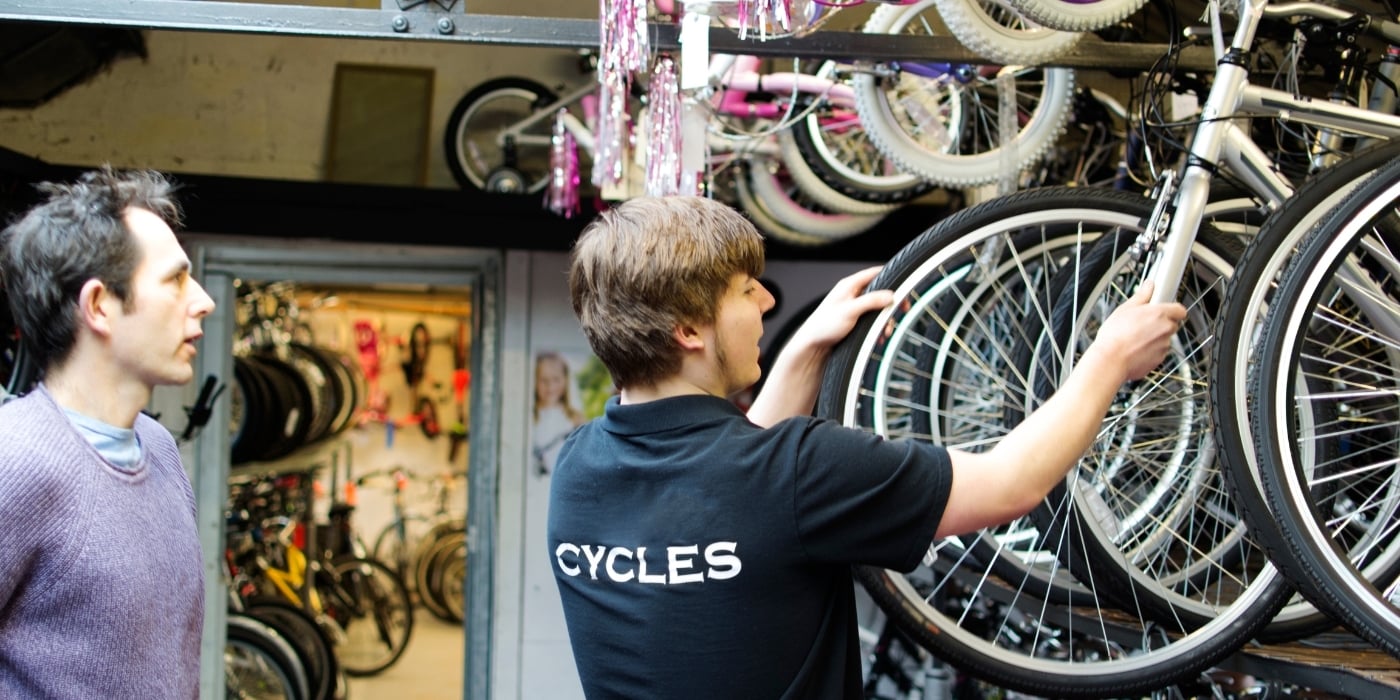
For example, imagine you run an independent bike shop selling cycling helmets.
Rather than only trying to rank for a broad search such as:
"bike helmets"
you could also target more specific searches such as:
These searches often reveal much more about what the customer actually wants.vGood ecommerce SEO helps Google understand which pages on your website are most relevant to each search.
SEO can broadly be divided into three areas.
This covers the content customers and search engines can see on individual pages, including:
Technical SEO focuses on how easily search engines can access, understand and index your website.
This can include:
Off-page SEO looks at signals outside your website that can contribute towards its visibility and authority.
These may include:
You don't need to tackle everything at once. For most retailers, consistently improving the fundamentals can make a significant difference over time.
Before optimising your website, you need to understand what your potential customers are actually searching for. Don't automatically assume the terminology you use internally is the same terminology your customers type into Google.
For example, a retailer might describe a category internally as:
Men's Technical Footwear
while customers are much more likely to search for:
Men's waterproof walking shoes
The second phrase is considerably more descriptive of what the shopper actually wants.
Keywords generally range from broad searches to highly specific searches.
A broad keyword could be:
Running shoes
A longer, more specific search could be:
Men's waterproof trail running shoes
These longer searches are commonly referred to as long-tail keywords.
While they may receive fewer searches individually, they can be extremely valuable because the person searching often has a much clearer idea of what they want.
For an ecommerce retailer, this can mean targeting:
You don't necessarily need expensive SEO software.
Useful starting points include:
Search Console can show the queries where your website is already appearing in Google. Look for searches where:
These can highlight some of your quickest SEO opportunities.
Start typing the name of a product or category into Google and look at the suggested searches. These can reveal how customers naturally describe products.
Google Trends can help identify how interest in particular products or search terms changes over time. This is particularly helpful for retailers with seasonal ranges.
Don't overlook information you already have. Consider the terminology customers use:
That language can provide excellent inspiration for your website content.
Product pages are some of the most important pages on an ecommerce website.
Unfortunately, they're also commonly overlooked.
A product page containing little more than a product name, price and manufacturer description gives search engines very little unique information to work with.
Where practical, create informative product content that helps both customers and search engines understand the item.
Your title should clearly identify the product.
Instead of:
Speed Jacket
consider something more descriptive, such as:
Altura Men's Waterproof Cycling Jacket – Black
You shouldn't stuff titles with keywords, but adding useful details can make both the product and the page easier to understand.
Avoid simply copying the manufacturer's description across hundreds of products wherever possible. Focus on information shoppers actually want before making a purchase.
For example:
Good product content improves SEO while also helping customers make buying decisions.
Images are particularly important in ecommerce. Use descriptive image information where possible.
Instead of a filename such as:
IMG_72638.jpg
use something meaningful such as:
mens-black-waterproof-cycling-jacket.jpg
You should also provide appropriate image alt text describing what the image contains.
Remember that alt text primarily exists for accessibility, so write descriptions for people rather than simply filling them with keywords.
Many retailers concentrate heavily on individual products while overlooking their category and product listing pages.
Category pages can be extremely valuable for SEO.
Consider searches such as:
A category page will often be a more appropriate search result than one individual product.
Make sure your important category pages have:
Avoid filling the top of every category page with hundreds of words purely for SEO purposes.
A concise, useful introduction is usually much better for customers.
Your website structure should make sense to somebody who has never visited your business before.
Ideally, customers should be able to move logically from:
Homepage → Department → Category → Product
For example:
Home → Cycling → Helmets → Road Helmets → Product
A logical hierarchy helps customers navigate the website while also helping search engines understand how your pages relate to one another.
Google specifically recommends making ecommerce site navigation and internal links clear enough that it can understand the relationship and relative importance of pages.
You don't need dozens of category levels.
Keep navigation as simple as your product catalogue allows.
For example:
Running → Men's Running → Men's Road Running Shoes
is useful.
Something like:
Sport → Running → Footwear → Men's → Road → Performance → Trainers
may be unnecessarily complicated unless your catalogue genuinely requires that level of organisation.
An internal link is simply a link from one page on your website to another.
They're easy to overlook but extremely useful.
For example, a blog about choosing a road bike could link to:
Similarly, a product description could link to:
Internal links help customers discover relevant content while giving search engines additional information about how your pages relate to each other.
Try to use descriptive link text.
Rather than:
Click here
use:
View our road cycling helmets
The customer immediately knows where the link is taking them.
SEO isn't limited to products and categories. Blogs, guides and advice pages allow retailers to target searches that take place earlier in the buying journey.
Imagine somebody is considering buying their first road bike.
Before searching for a specific model, they might ask:
Creating genuinely useful answers to these questions introduces your business to potential customers before they've decided exactly what to buy.
Good content ideas for retailers include:
The objective shouldn't simply be to publish as many articles as possible. Quality is far more valuable than quantity.
Create content where your business has genuine expertise and where the article will actually help somebody make a decision.
Great content won't achieve its full potential if search engines struggle to access your website. There are several technical areas retailers should keep an eye on.
A significant proportion of ecommerce browsing takes place on mobile devices.
Product pages, menus, filters, baskets and checkout processes should all work properly across different screen sizes.
Large product images, unnecessary scripts and poorly optimised pages can slow ecommerce websites down.
Optimising image sizes and website performance can improve both user experience and technical SEO.
Products get discontinued. Categories change. Websites evolve. That inevitably creates broken links unless they're managed correctly.
Periodically check your website for pages returning 404 errors and either:
Ecommerce websites can create multiple URLs representing very similar pages, particularly when using filters, sorting options or product variants.
Correct canonicalisation and website architecture can help search engines understand which version should be indexed.
Structured data – often referred to as schema markup – gives search engines additional machine-readable information about your website.
For ecommerce retailers, this is particularly useful.
Product structured data can provide information such as:
This can help search engines interpret your product information and may make pages eligible for enhanced search appearances.
Your wider website can also use structured data for information such as:
Structured data doesn't guarantee higher rankings, but it can help search engines understand your business and product information more accurately.
Google Merchant Center isn't only relevant to retailers running paid Google Shopping campaigns. Providing accurate product data to Google can help Google understand your catalogue and make products eligible for different shopping experiences.
Important product information typically includes:
Make sure the information in your product feed matches what customers see on your website. For example, price and availability should remain consistent.
💡Existing Saledock customer? Get in touch with support, and we can help set this up for you.
You can't improve what you aren't measuring. Two important tools for ecommerce retailers are Google Search Console and Google Analytics 4 (GA4).
Search Console helps you understand how your website performs within Google Search.
You can use it to monitor:
It can also highlight technical issues that could prevent pages appearing correctly in Google.
💡Existing Saledock customer? Get in touch with support, and we can help set this up for you.
GA4 provides a different view.
Rather than concentrating specifically on Google Search, analytics can help you understand what visitors do after they arrive on your website.
For ecommerce retailers, useful events might include:
Used together, Search Console and GA4 can give you a much clearer picture of how organic search contributes towards online sales.
💡Existing Saledock customer? Get in touch with support, and we can help set this up for you.
Search engines don't judge your website completely in isolation.
Links and mentions from other reputable websites can help demonstrate that your business is established within its market.
Retailers may be able to earn relevant links through:
Quality is considerably more important than quantity.
One relevant link from a respected industry organisation can be far more valuable than dozens of links from unrelated websites.
Avoid services promising hundreds or thousands of cheap backlinks. Artificial link-building schemes can do considerably more harm than good.
If you have a physical shop, ecommerce SEO shouldn't focus exclusively on national online searches.
Local searches can be extremely valuable.
Someone searching for:
running shoes Hull
or:
bike shop near me
may have very strong purchase intent.
Make sure your Google Business Profile is accurate and contains information such as:
Encouraging genuine customer reviews can also strengthen your local presence.
Your website should clearly show where your stores are located, how customers can contact you and when you're open.
SEO isn't something you complete once and forget about.
Your product catalogue changes.
Customer searches change.
Competitors change.
Google changes.
Review your organic performance regularly and look for opportunities.
Some useful questions to ask include:
You don't need to rebuild your website every month.
Small improvements made consistently across important pages can accumulate over time.
If you're not sure where to start, work through these fundamentals:
SEO rarely generates results overnight.
It works by making your website progressively more useful, understandable and authoritative.
For independent retailers, that's good news.
You don't necessarily need the advertising budget of a national chain to compete for every search. Detailed product information, specialist knowledge, strong category pages, useful advice and genuine expertise can all help your business build visibility.
Most importantly, concentrate on helping your customers.
If your website makes it easy for shoppers to find products, understand them, compare their options and make informed purchasing decisions, you're already working towards many of the same objectives search engines are trying to reward.
Saledock provides retailers with a unified platform for managing their in-store and online operations.
For retailers looking to understand and improve their ecommerce performance, we can also help with the technical setup of services including Google Merchant Center, Google Search Console and GA4 ecommerce events, helping ensure the right information is available for you to measure and optimise your online presence.
💡Existing Saledock customer? Get in touch with support, and we can help set this up for you.
SEO strategy, ongoing content creation and search marketing are specialist disciplines in their own right. If you require a more comprehensive SEO strategy, we do offer specialist SEO services for an additional fee or you can work with an external agency that can help with keyword research, content strategy, link building and ongoing optimisation.
The important thing is to start with solid foundations, measure what's happening and keep improving.
Want to bring your POS, ecommerce and inventory together in one platform?